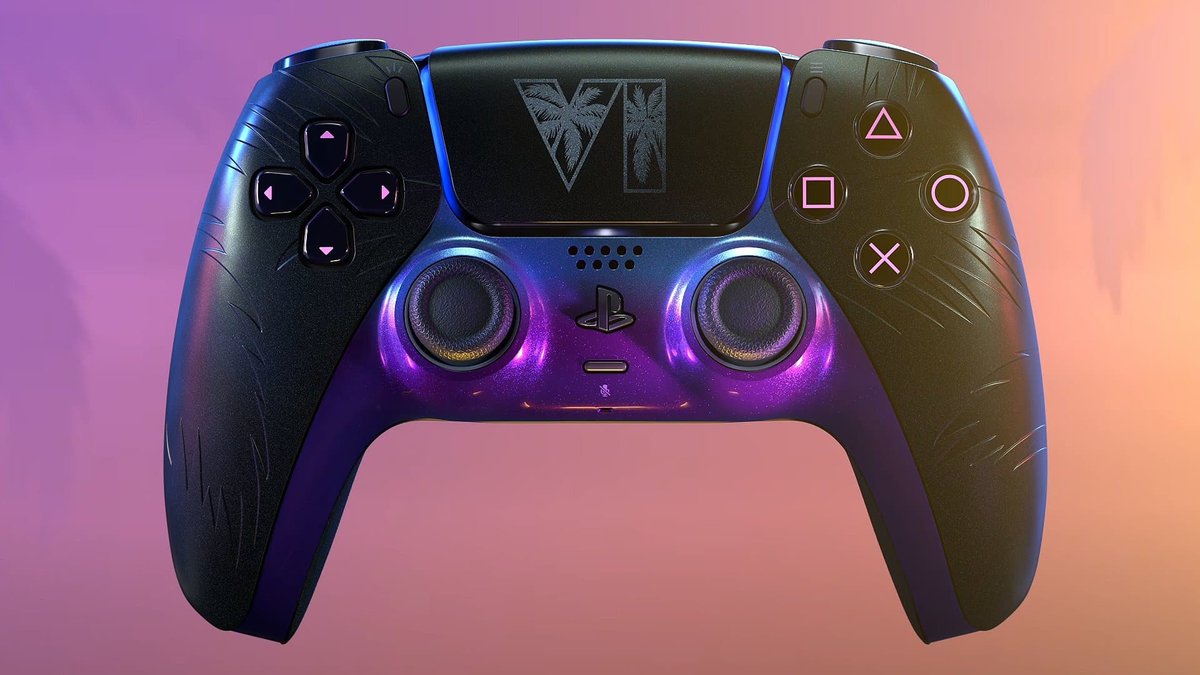
In GTA 6, sprinting is no longer on Cross (PlayStation) or A (Xbox). By default, a simple click of the left stick (L3 on PS5, LS on Xbox) is enough, Numerama explains in its guide, and the setting can be changed at any time.
Image: play3.de
How do you change the sprint button in GTA 6?
Open the game settings, first tab, "Controls configuration". Three control schemes exist for running. You can switch from the pause menu without restarting anything. Numerama advises trying all three.
Rockstar saw the shock coming: at first setup, a screen warns that default controls now use a left stick press to run and sprint, but "can be changed at any time". The interface and gameplay are also fully customizable.
Why is Rockstar changing a ten-year reflex?
In GTA 5 (2013) and Red Dead Redemption 2 (2018), you had to mash Cross or A to speed up. Numerama notes Rockstar is catching up, years late, with most open-world action games. The gain is concrete: while the right thumb taps a button, it can't move the camera with the right stick.
Numerama admits the choice will raise eyebrows among longtime players. It gives no figure on how many will go back to the old scheme.
Why it matters
If your fingers still hit Cross or A, nothing is lost: it is a setting, not a constraint. For other launch surprises, see our piece on save losses and the release page.